
Traveling internationally is thrilling—new sights, new flavors, and new experiences around every corner. But let’s face it, being disconnected in a foreign country can quickly turn excitement into frustration. From navigating unfamiliar streets to staying in touch with loved ones, reliable internet access makes travel smoother and more enjoyable. The good news? You have plenty of options to stay online wherever you go. Let’s explore the best ways to access the internet abroad so you can travel smart and stay connected with ease.
- Check Your Mobile Carrier’s International Roaming Plans
- Buy a Local SIM Card
- Use an eSIM for Instant Connectivity
- Rent or Bring a Portable Wi-Fi Hotspot
- Take Advantage of Free Wi-Fi
- Download Offline Tools Before You Go
- Manage Your Data Usage
- Choose the Option That Fits Your Travel Style
1. Check Your Mobile Carrier’s International Roaming Plans
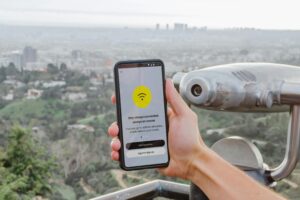
Before you even pack your bags, take a look at what your mobile provider offers for international roaming. Many carriers have daily or weekly plans that let you use your phone abroad without changing SIM cards. While roaming is convenient, it can be costly if you don’t choose the right package. Reviewing your options ahead of time can save you from surprise bills later.
2. Buy a Local SIM Card

One of the most popular and budget-friendly choices is purchasing a local SIM card at your destination. You’ll get access to local data rates and often faster speeds. SIM cards are usually available at airports, mobile shops, and convenience stores. Just make sure your phone is unlocked before you travel.
3. Use an eSIM for Instant Connectivity
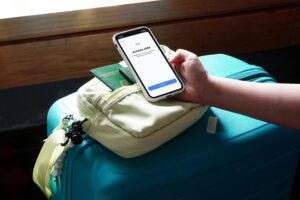
If your phone supports eSIM technology, you can download a digital SIM before or during your trip. eSIMs are convenient, quick to activate, and eliminate the need to swap physical cards. This option is great for travelers who want a simple setup and immediate access upon arrival.
4.Rent or Bring a Portable Wi-Fi Hotspot

Portable Wi-Fi devices, also known as pocket Wi-Fi, provide internet access for multiple devices at once. They’re perfect for families, couples, or remote workers who need stable connectivity on phones, tablets, and laptops. Just remember to keep the device charged.
5. Take Advantage of Free Wi-Fi
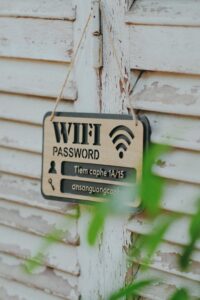
Many hotels, cafés, airports, and public spaces offer free Wi-Fi. While this is a great way to save data, public networks can be insecure. Avoid logging into sensitive accounts and consider using a VPN for extra protection.
6. Download Offline Tools Before You Go
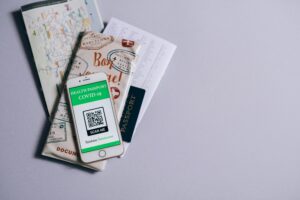
Prepare in advance by downloading offline maps, translation apps, and important documents. Even if your connection drops, you’ll still be able to navigate, communicate, and access essential information.
7. Manage Your Data Usage
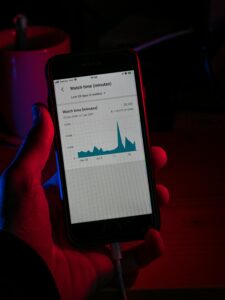
Streaming videos and large downloads can eat up your data quickly. Adjust app settings to limit background data, use Wi-Fi whenever possible, and monitor your usage regularly. Small changes can make your data last much longer.
8. Choose the Option That Fits Your Travel Style

Short trip? Roaming or an eSIM might be enough. Long stay? A local SIM could be your best bet. Traveling with others? A portable Wi-Fi hotspot might be ideal. Understanding your needs will help you pick the most cost-effective and convenient solution.
Staying connected abroad doesn’t have to be complicated or expensive. With a little planning and the right internet option, you can navigate confidently, stay in touch with loved ones, and share your adventures in real time. Choose what works best for your travel style, prepare ahead, and enjoy every moment of your journey—online and offline. Safe travels and happy surfing! 🌍📶